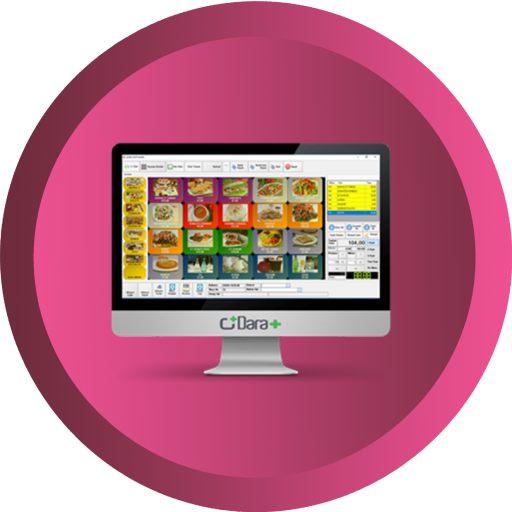
POS Restaurant
Key features:
1. Simple Configuration
2. Multi session view (Waiter, Kitchen and Cashier)
3. Order item status tracking
4. Waiter Indication when order ready
5. Take Away Orders
6. Send order items to kitchen/bar based on Category
7. PoS Mobile responsive for Waiter
8. Return Cancelled order
Note:1. Synchronization terminal should have same multi session.
2. POS kitchen view will show selected POS product categories orders only.
For Demo
Watch the Video
Configurations
Select multi session demo in all synchronized sessions (i.e. Waiter, Kitchen / Bar and Cashier sessions).

Select Kitchen check box for Kitchen session and select category. Depends upon category selection item send to kitchen / Bar.

Waiter View
Select the table and make an order.

Kitchen View
Orders shown in kitchen. Changed the order status.

Take Away order display in kitchen after payment.


In Kitchen Cancel the item, synchronize the cancelled item in waiter view.


Return the cancelled order then click the return button proceed to return.

